
Digital case
Send your scans to JU Genesis Lab
Upload STL/PLY/OBJ files and the prescription in one place. No account needed — you can create one afterwards.
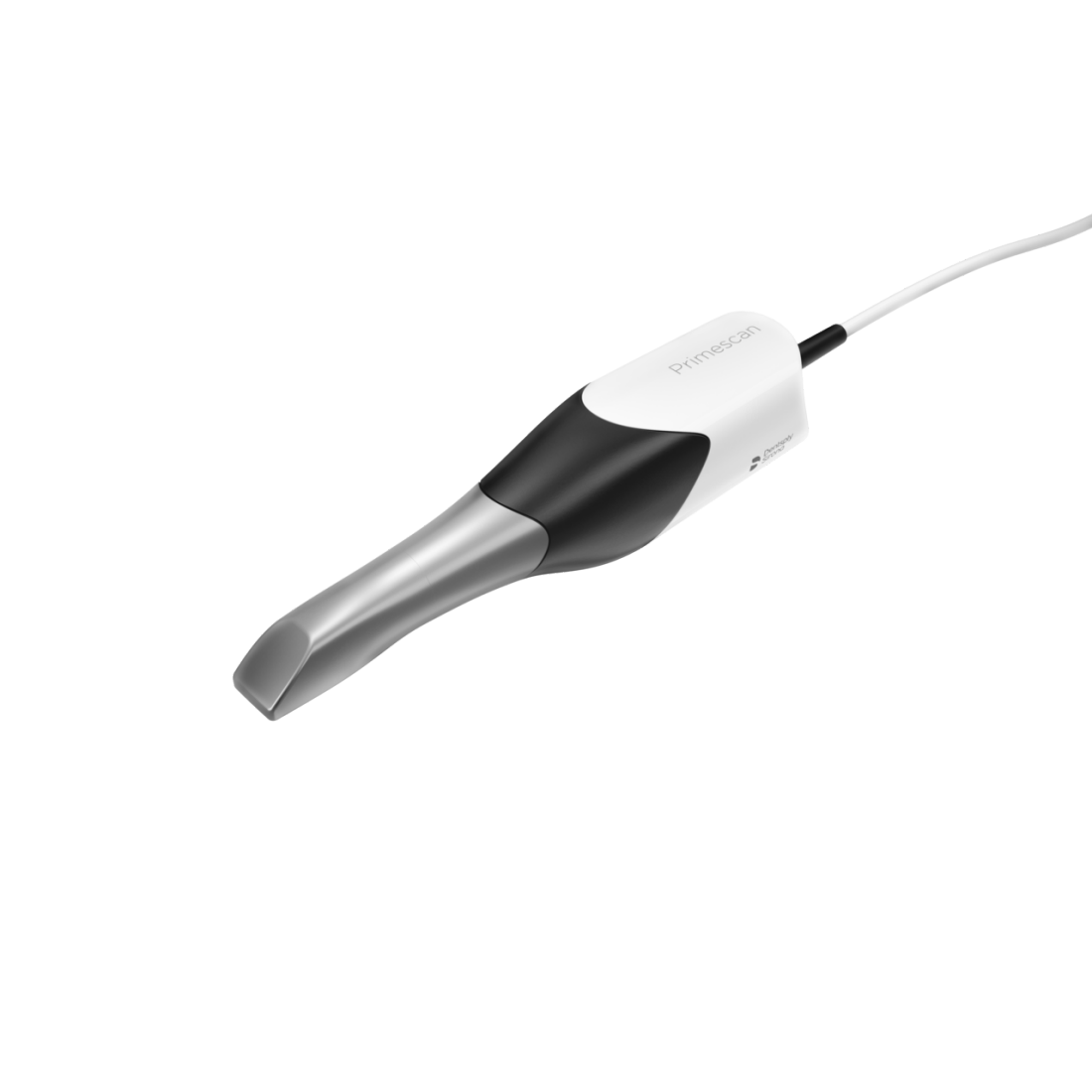
Connect Your CEREC Primescan
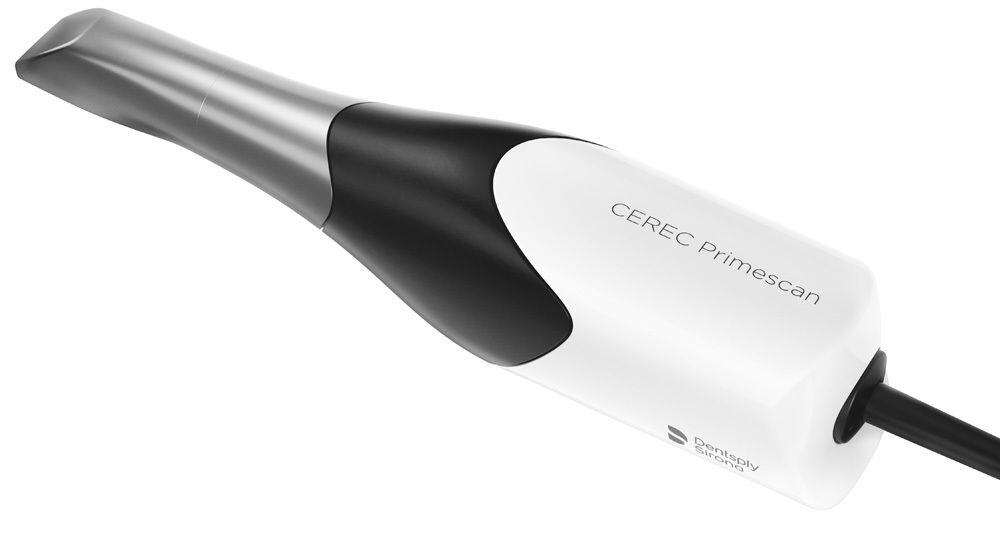
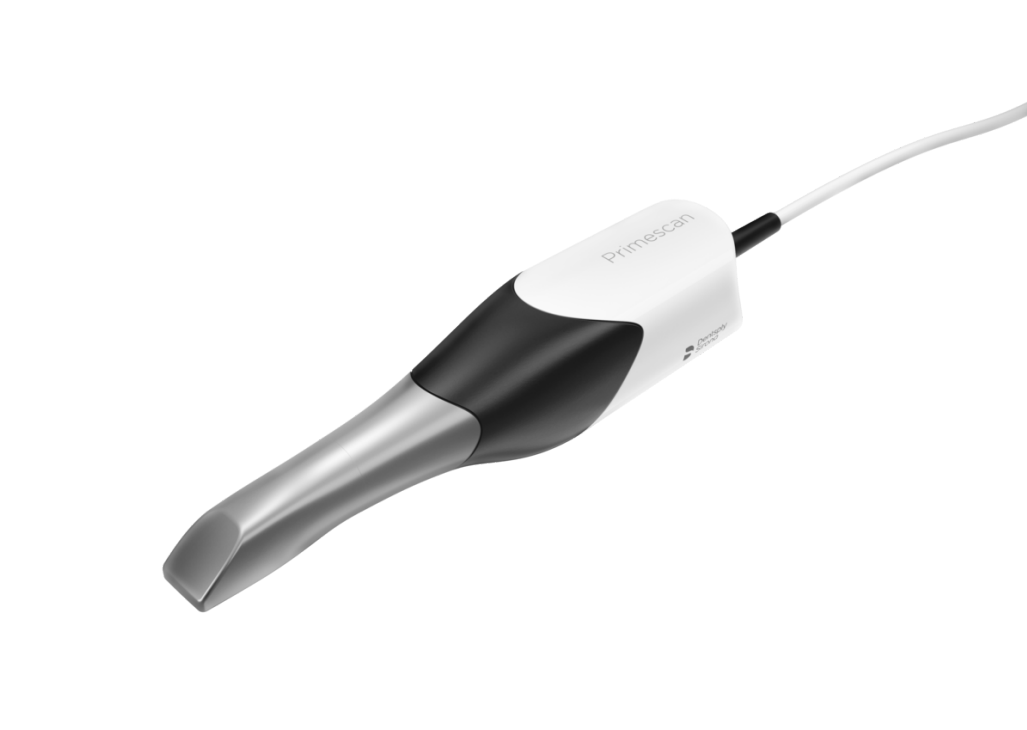
The CEREC Primescan by Dentsply Sirona is one of the most advanced intraoral scanners in the dental industry. With its high-precision scanning technology and seamless integration with CEREC workflows, sending digital cases to JU Genesis Lab is fast and efficient. Our team includes Oscar, a Dentsply Sirona CEREC expert, who ensures seamless digital integrations.
How to Connect
Complete Your Scan
Use your Primescan to capture a high-precision digital impression of the prepared tooth or full arch.
Use CEREC Software
In the CEREC software, select "Send to Lab" and choose JU Genesis Lab from the lab directory.
Submit Case
Add your prescription details, shade selection, and special instructions. Submit the case digitally.
We Fabricate & Deliver
Our CEREC expert Oscar processes your digital case and delivers the restoration within standard turnaround.
CEREC Primescan Features
- High-Precision Scanning: 50,000+ images per second for ultra-detailed digital impressions
- Full-Arch Capability: Accurately captures full-arch scans in under a minute
- Integrated Workflow: Seamless design, milling, and case submission all in one system
- Open STL Export: Export standard STL files for any lab workflow
- Large Touchscreen: 12.1" touchscreen for intuitive operation and patient communication
- Dust-Free Optics: Maintenance-free scanning with no tip calibration required
Need help connecting?
Call us at (949) 297-8668 — our CEREC expert Oscar will help you set up your Primescan connection.
Contact Us