
Digital case
Send your scans to JU Genesis Lab
Upload STL/PLY/OBJ files and the prescription in one place. No account needed — you can create one afterwards.

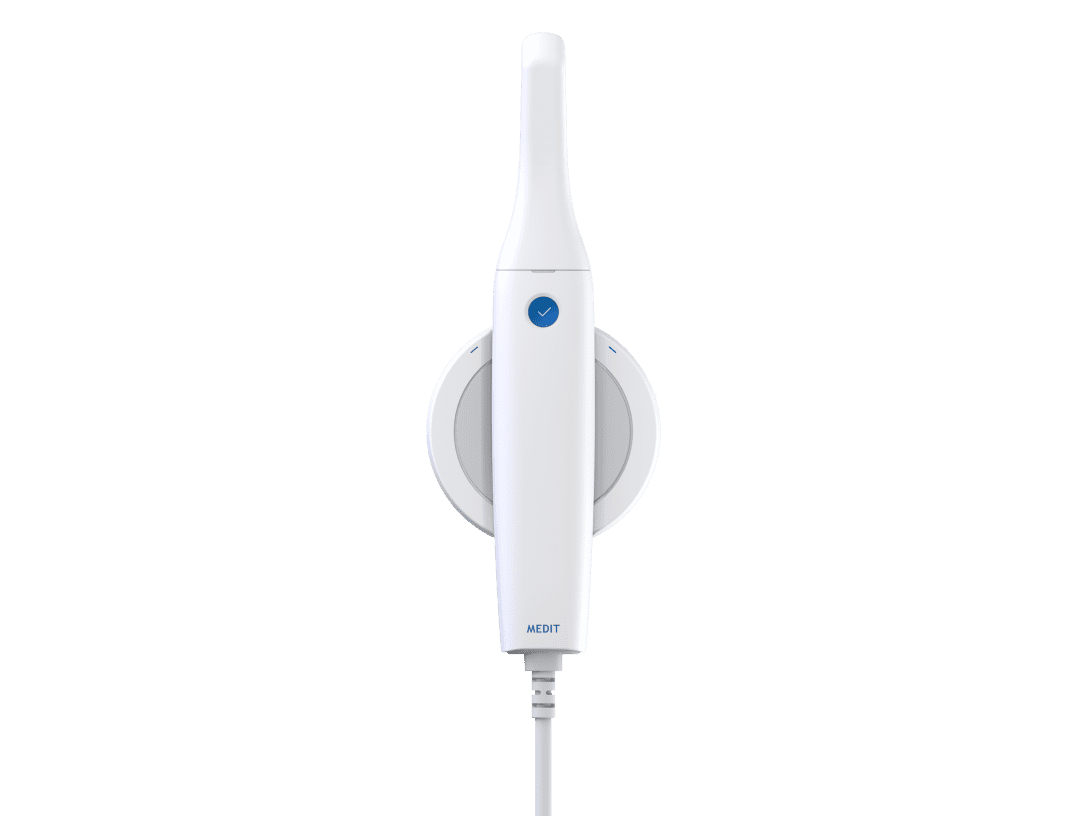
Connect Your Medit i500 Scanner
The Medit i500 is an affordable, open-system intraoral scanner that delivers excellent accuracy and fast capture speed. With its open STL export and Medit Link software, sending digital cases to JU Genesis Lab is simple and straightforward. No subscription fees or locked-in ecosystem — just powerful scanning at an accessible price point.
How to Connect
Scan Your Patient
Use the Medit i500 to capture a digital impression. Fast capture speed means less chair time.
Use Medit Link
Open Medit Link software and select "Send to Lab". Search for JU Genesis Lab in the directory.
Export STL File
Alternatively, export the scan as an STL file and upload it at our case portal with the prescription details.
We Handle the Rest
Our CAD/CAM team processes your digital case and delivers the restoration within standard turnaround.
Medit i500 Features
- Open System: No subscription fees, no locked-in ecosystem — export STL/PLY freely
- Fast Capture: High-speed scanning for quick and comfortable patient experience
- Excellent Accuracy: Verified accuracy for precise marginal fit on all restorations
- Color Scanning: Full-color 3D models for natural shade and texture assessment
- Medit Link Software: Free, cloud-based case management and lab communication
- Lightweight Design: Ergonomic wand weighing only 320g for comfortable handling
Need help connecting?
Call us at (949) 297-8668 — we will help you set up your Medit i500 connection.
Contact Us